How to make AI trend videos with your own character
5 min read
To make an AI trend video you need two things: the character who will be in it and the trend's video. On Duble AI you pick both, and the AI remakes the trend with your AI influencer in place of the person in it, in the trend's scene (which may change a little) and with the original sound. The video is ready in one to three minutes and costs from $3.33.
What an AI trend video is
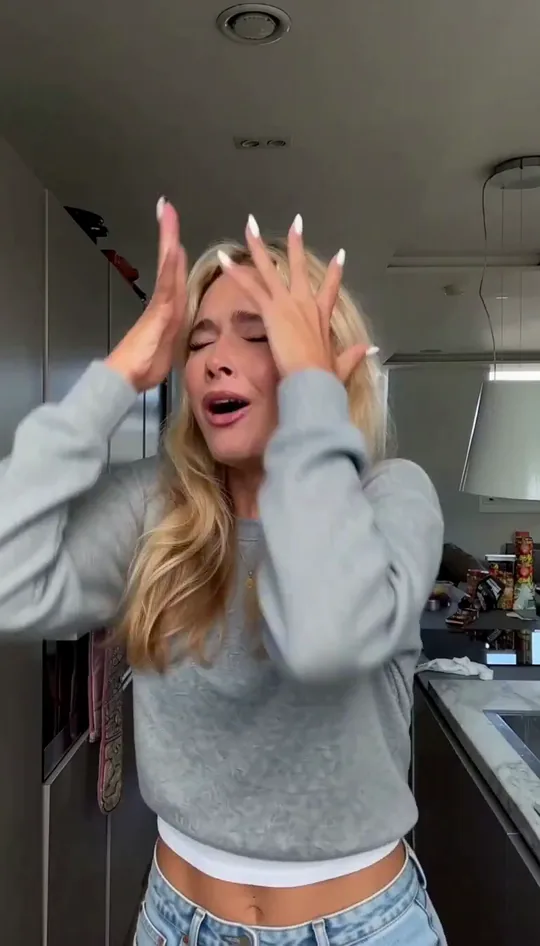
It is the trend as it was posted, with someone else in it. There is always a real video underneath: the one going around on TikTok or Instagram right now. The AI reads that clip and redraws every frame with your character, who follows the movements of the original. The library's trends are other people's videos as they were posted, and whoever posts the result is responsible for what they post.
That is a different job from a text-to-video generator. You don't describe a scene, a camera move or a choreography, because all of it is already in the trend's clip.
What you need before you start
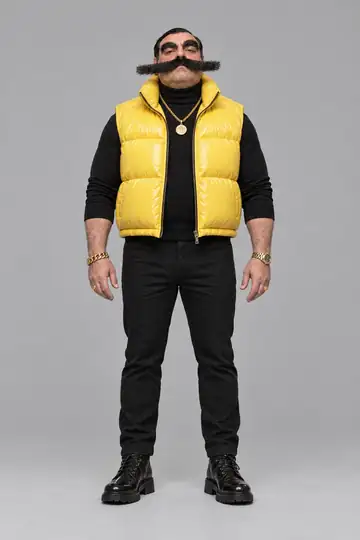
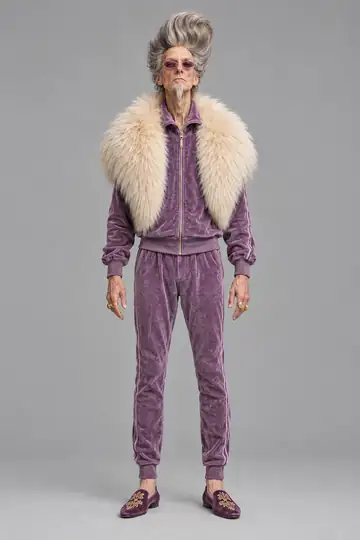
- An AI influencer. The app calls it a double. You can describe one in a sentence, build it part by part, make it from your own photos, or take a ready-made one from the cast. How to create an AI influencer walks through all four.
- Credits. A 10-second trend at Standard quality is 20 credits. Creating the influencer costs nothing, up to 3 images across tries and adjustments.
- A phone or a computer with a browser. There is nothing to install.
Step by step: from your character to the finished video
- Pick who goes into the video. On Home, the top row shows your doubles. Tap the one you want. If it has more than one look (another outfit, another haircut), pick the look right under it.
- Pick the trend. Below that, the screen asks which video your double goes into and lists the trends under up to three tabs: Trending, Community (when there are community trends) and My videos. Each card plays the trend and shows the trend's views, its length and the price in credits.
- Watch it with sound. Tapping a trend opens its page. "Watch the whole video, with sound" plays the original clip, so you see the movement and hear the sound before you spend credits.
- Say what plays in the video. The app asks "What plays in this video?" and the generate button stays off until you answer. Choose "Someone speaks or sings" if there is a voice, so the double's mouth follows it. Choose "Only music or background sound" if there isn't, and the original sound plays over the finished video.
- Choose the quality. There are three: Standard, High and Turbo. Each button shows the price for that exact video.
- With more than one person in the clip, say who is replaced. The optional link "Say who Enzo Puff replaces (optional)", with your double's name in place of Enzo Puff, opens a text box. Left empty, your double takes the place of the main person.
- Tap "Generate video". Short of credits, the button turns into "Buy credits" and says how many are missing; signed out, it asks you to sign in. Then the screen shows the trend and your double side by side while the video is made. You can leave the page and it keeps going.
- Save and post. On a phone, "Save video" hands the file to your camera roll. On a computer it is "Download video". There is no watermark. When you post, label it as AI-made content where the platform asks.
What each quality costs
Pricing is per second of video. A trend is as long as its original clip, up to 30 seconds.
| Quality | Output size | Credits per second | A 10-second trend | Ready in |
|---|---|---|---|---|
| Standard | 768p | 2 | 20 credits | 1 to 3 minutes |
| High | 2K | 5 | 50 credits | 1 to 3 minutes |
| Turbo | 768p | 6 | 60 credits | seconds |
Credits come from a monthly plan or a one-time pack. The $49.99 plan gives 300 credits a month, enough for 15 ten-second trends at Standard. The one-time pack "A week of posts" is $29.99 and makes 8. Credits never expire.
Which trend to pick
Pick the trend for what it is, and treat the number as context. The views on a card are those of the trend's original video or, where the original's count is not known, an estimate. They tell you how big the wave is. How your version does depends on how early you get in and on who your character is.
A trend is not only a dance. The library has interviews, selfies, a walk through a stadium crowd, friends talking at a party. A character that only dances gets old fast. One that shows up in an interview today and in a street clip tomorrow reads like a real profile.
Trends with several people work well, because your influencer ends up next to real people. To catch a trend before it is saturated, see how to find TikTok and Instagram trends early.
If the video doesn't come out
When a video fails or is refused, the page says why and the credits go back to your balance right away. "Try again" takes you back to the trend with the same choices.
One case has its own notice: when your double looks like the person in the original video, the app tells you the video takes about a minute longer and that the result can come out with some of the original person's features mixed in. A character who looks nothing like the person in the trend is less likely to trigger that notice.
The next video
After the first trend, the finished video's page has a shortcut to make another with the same double. It is worth changing the look between videos, which costs 2 credits per new look, and mixing trends with a video of your own, filmed on your phone, where the influencer takes your place.
To start from zero, create your influencer and pick the first trend.
Frequently asked questions
- Do I need to write a prompt to make an AI trend video?
- No. On Duble AI you pick the influencer and the trend, say whether anyone speaks or sings in the clip, and choose a quality. The AI remakes the trend with your influencer in place of the person in it. You describe nothing.
- How long does an AI trend video take to make?
- One to three minutes at Standard and High quality. Turbo makes the same video in seconds, at 6 credits per second instead of 2. If a video fails, the credits go back to your balance right away.
- How much does an AI trend video cost?
- A 10-second trend at Standard quality is 20 credits, which comes to $3.33 on the 300-credit monthly plan. Pricing is per second of video, so a shorter trend costs less.
- Does the video keep the trend's original sound?
- Yes. The sound in the finished video is the trend's own audio, which is what makes a trend recognizable in the feed. The AI does not invent a soundtrack, and it makes no voice of its own.
- Can I use a trend with more than one person in it?
- Yes. You say in your own words who your influencer replaces, for example the person in front in the white T-shirt. The other people stay in the clip, with the original sound.