AI character videos for YouTube Shorts: upload, sound and disclosure
3 min read
An AI character clip becomes a YouTube Short through a publishing process, not simply because it was generated. Prepare the performance, review the file and complete the upload settings. Duble AI provides the character video; it does not run your channel or submit the upload.
This guide is published by Duble AI. The official YouTube documentation below was reviewed on November 1, 2026. These are production and upload decisions, without a promise of views or acceptance into a monetization program. The social-video workflow connects them to other platforms.
A Short and a generation have different length limits
YouTube's three-minute Shorts guide describes square or vertical uploads up to three minutes for standard channels. Duble AI accepts your source video from 3 to 30 seconds. YouTube accepting a longer finished video does not extend the length of a single Duble AI generation.
For one short performance, keep the idea self-contained. If you assemble several clips in an editor, give the sequence a beginning and an ending. Do not repeat a clip simply to fill the maximum time. The format guide explains framing before recording.
Make the performance before changing the character
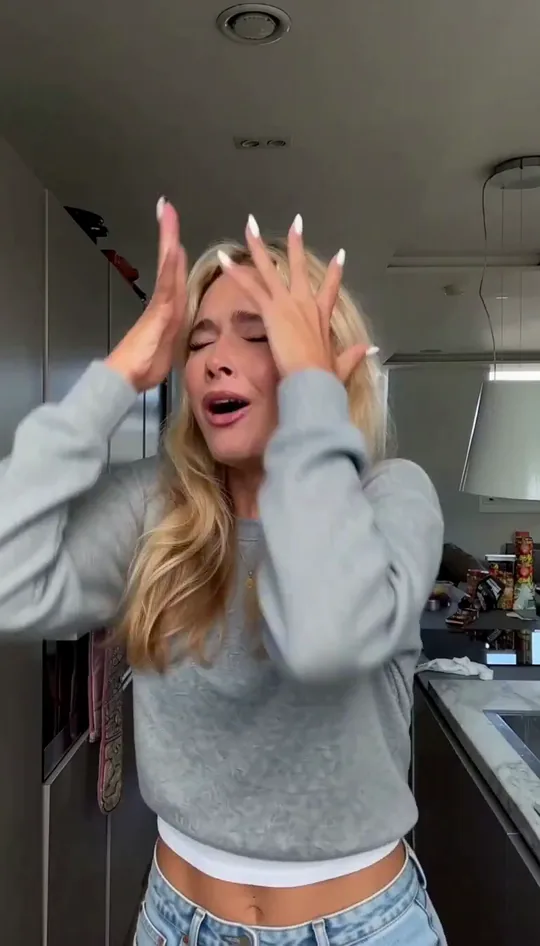
Choose the moment that carries the episode: a reaction, gesture or spoken line. Film it clearly with the person visible. In Duble AI, choose your character and the trend or upload. The result retains the original recording's sound; Duble AI does not generate new speech, music or scenes from text.
Watch the entire result. Check the face during the main movement, hands crossing the face and any lettering that matters. Add exact captions in a separate editor. A title can clarify a joke, but it cannot supply an action missing from the source.
Standard generation uses 5 paid credits per second; ten seconds use 50 credits. There is no free generation. Read Duble AI pricing for purchases and character preparation, and consistent characters for a recurring series.
Review the sound as its own asset
YouTube's Shorts upload guide warns that copyrighted material in externally created videos can produce claims. Sound carried in a generated file is still sound to review. Duble AI retaining a recording's audio does not establish that you may use it on YouTube.
For your own sketch, start with speech and sound you can use. Keep the source and the generated file. If the final editor adds another track, listen for overlap and verify the track's permitted use rather than assuming a previous Instagram post settled it.
Complete the upload deliberately
| Stage | What to review |
|---|---|
| Final file | Complete picture and sound, including the ending |
| Title and description | Clear premise and accurate context |
| AI use | Whether the realistic alteration requires disclosure |
| Channel settings | Intended audience and visibility |
| Published Short | Correct file, captions and context |
YouTube's AI-use guidance requires disclosure for realistic AI-generated or meaningfully altered content. Review the AI-use field during upload. A realistic character replacing a person deserves that review even when the source performance was real.
YouTube's May 2026 label update says labels for realistic AI Shorts appear on the video and that disclosure alone does not determine recommendation or earning eligibility. Labeling is not a shortcut to approval, and hiding the production method is not a growth strategy.
Keep a short record for each episode: source file, character used, final export and publication link. When reviewing the series, distinguish a confusing premise from a visual problem. A clear editorial change is more useful than regenerating the same unclear scene without knowing what needs fixing.
Frequently asked questions
- Can Duble AI make YouTube Shorts?
- Duble AI creates a character video file you can upload yourself. It does not manage the channel, schedule posts or complete YouTube settings.
- Can I generate a three-minute video in Duble AI?
- No. Your own source upload is limited to 3–30 seconds. A longer edited sequence is separate from a single generation.
- Do AI character Shorts need disclosure?
- Review YouTube’s AI-use requirements. Realistic AI generation or meaningful alteration requires disclosure; a real source performance does not remove that question.
- Does an AI label guarantee monetization?
- No. YouTube says disclosure alone does not determine earning eligibility. Other channel and content requirements still apply.